Restore a Yoroi wallet into Daedalus
Restoring a Yoroi wallet into Daedalus is simple:
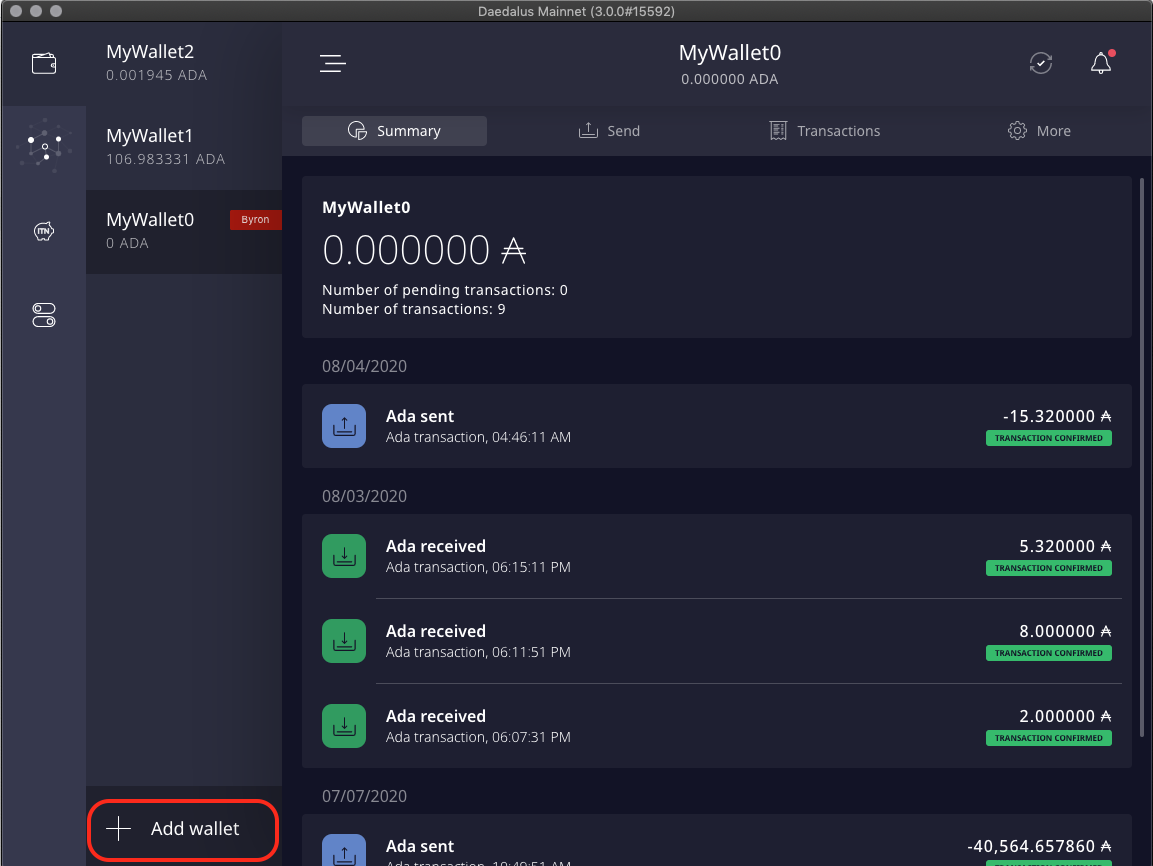
- Click Add Wallet
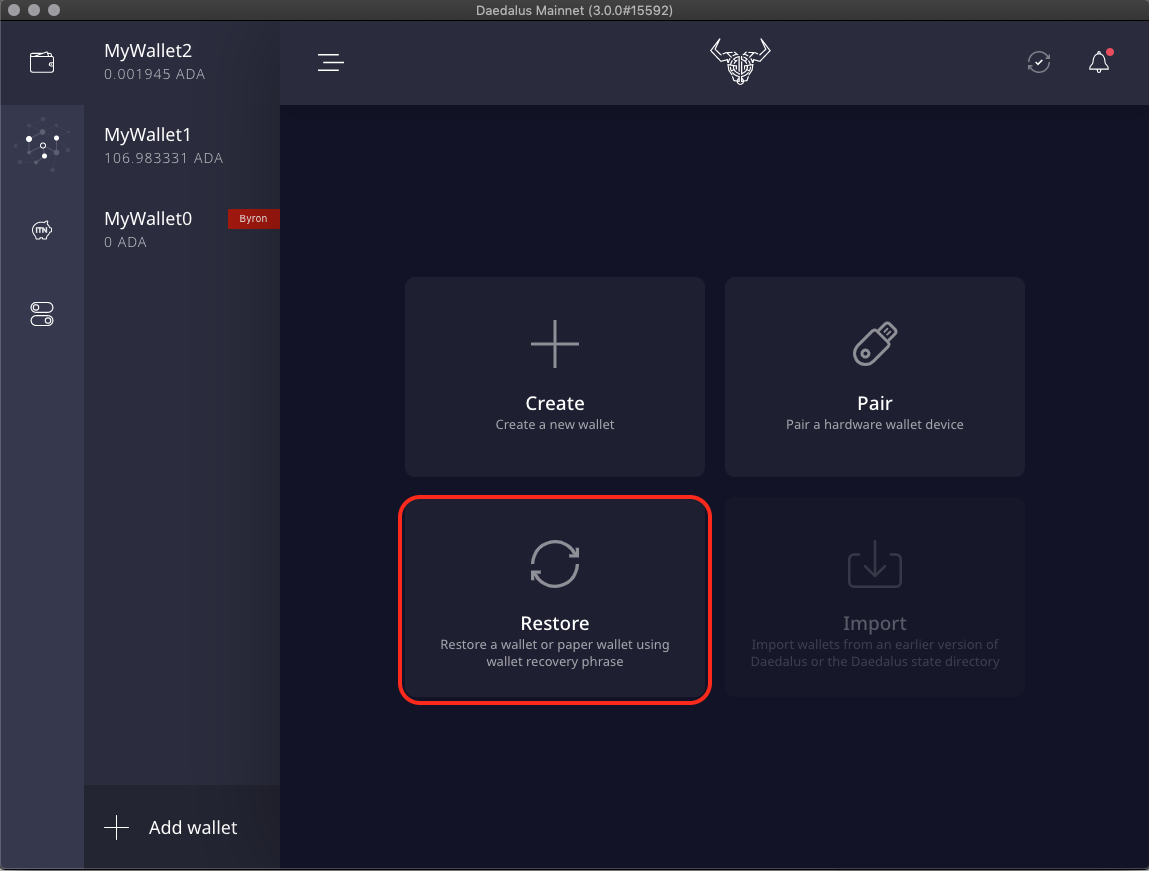
- Click Restore
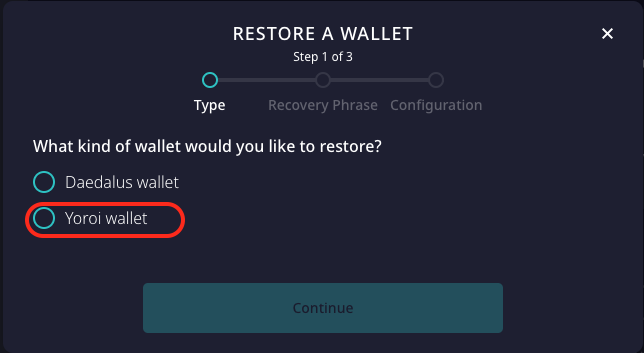
- Select Yoroi wallet
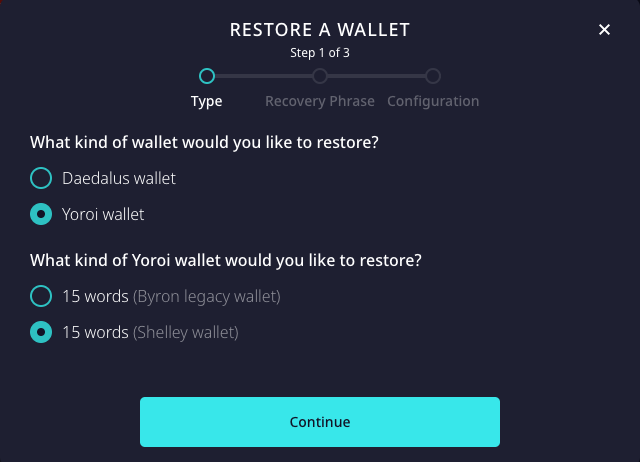
- Select the type of your Yoroi wallet: Byron or Shelley, and click Continue
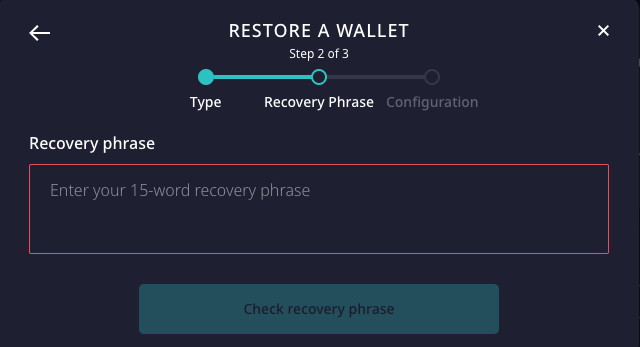
- Type your recovery phrase and click Check recovery phrase
- Name your wallet and set a spending password. This only affects this instance of your wallet, your spending password in Yoroi doesn't change if you use a different password in Daedalus.
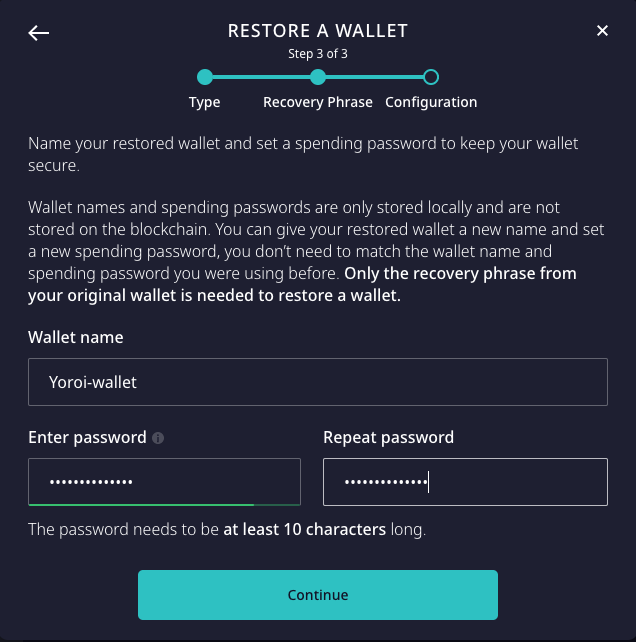
- Click Continue
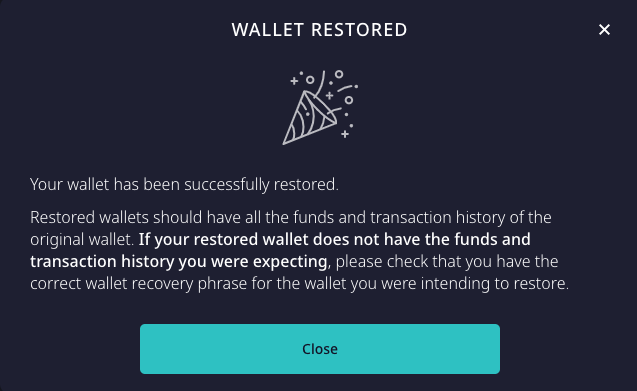
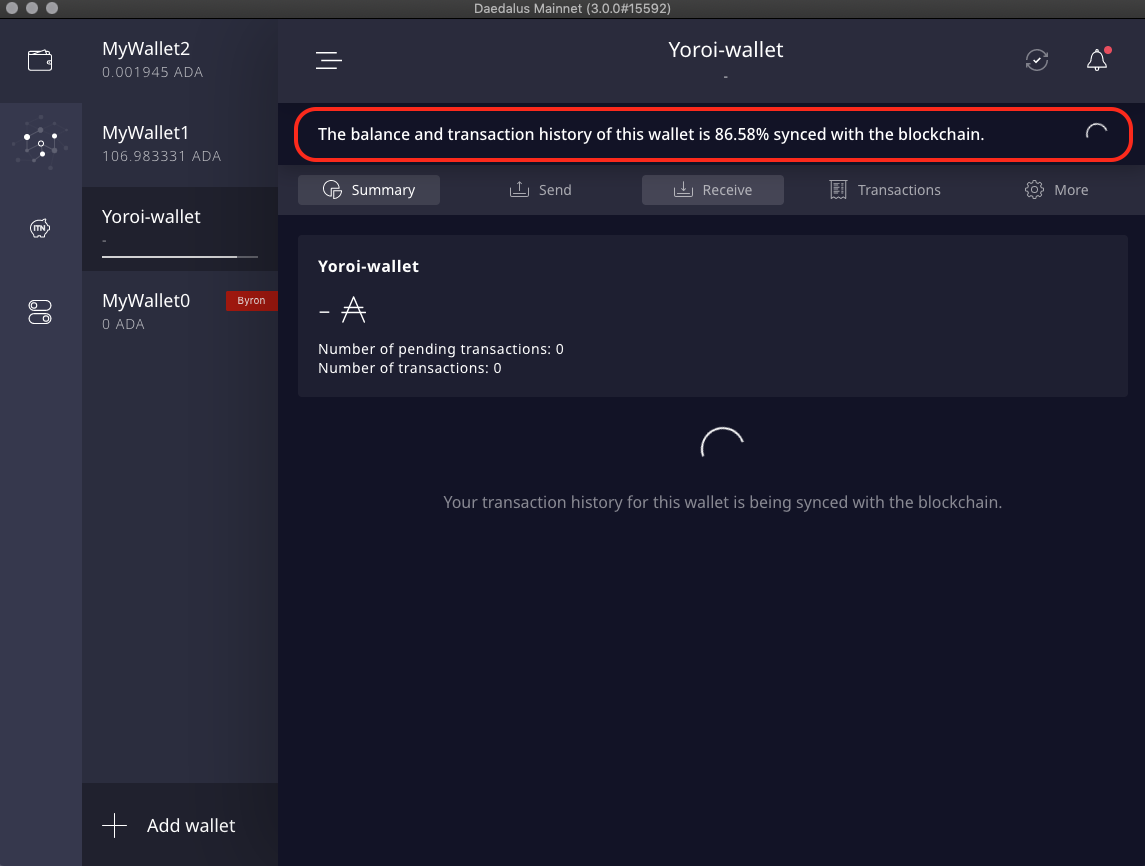
- Wait for your wallet to synchronize with the blockchain. It may take several minutes depending on your internet connection.
For feedback or support, please be sure to submit a ticket to the IOHK support team from the Help menu in Daedalus, or by using the submit a request form.